
blog
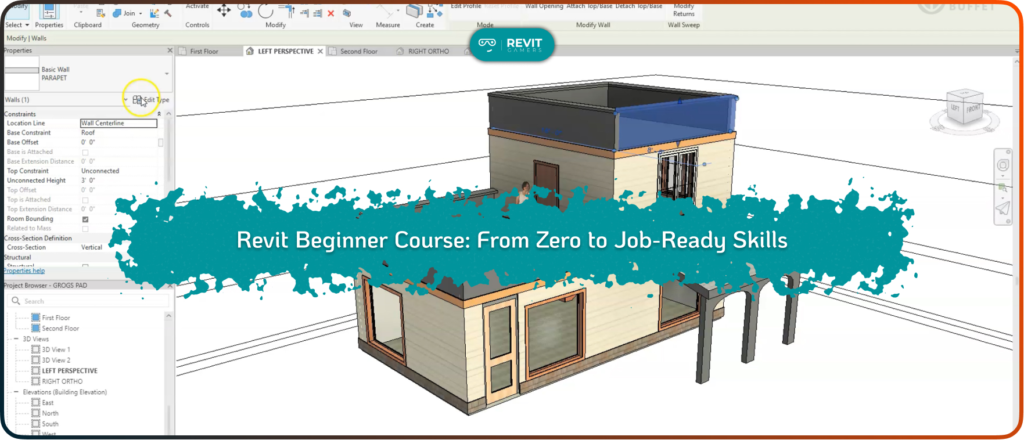
Starting your journey in BIM can feel overwhelming, especially when you have no prior experience with design software. That’s where a well-structured Revit Beginner Course becomes essential. Instead of jumping between random tutorials or incomplete lessons, a beginner-focused course provides a clear roadmap from zero knowledge to job-ready skills. Revit is widely used in architecture, […]
Selecting the right Autodesk Revit Course Online is crucial for anyone aiming to build or enhance BIM skills efficiently. Revit is a powerful tool used globally in architecture, engineering, and construction, but the abundance of online courses can make it challenging to find the one that fits your specific skill level. Enrolling in a course […]
Learning Revit through real projects is one of the most effective ways to develop professional BIM skills. A Revit Course with Projects provides learners with hands-on experience, allowing them to apply concepts in realistic scenarios rather than only studying theory. Project-based learning accelerates understanding because students immediately see the outcomes of their actions and can […]
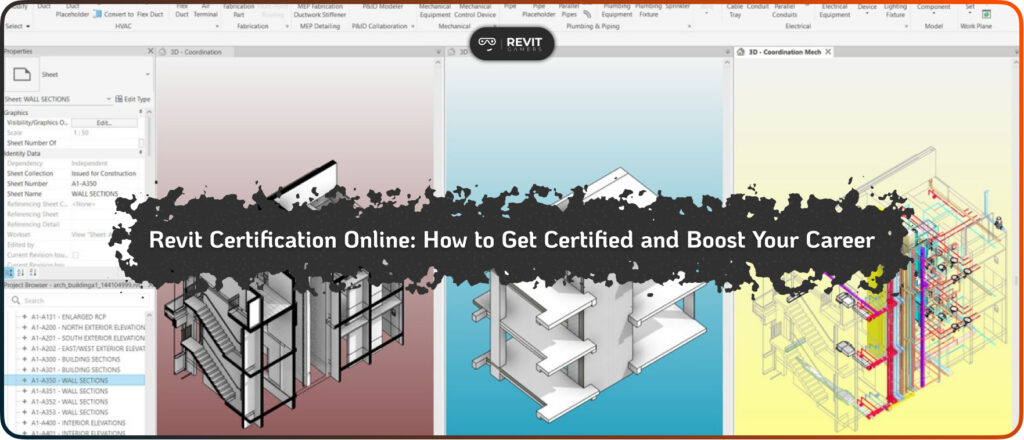
In today’s competitive architecture, engineering, and construction industries, holding a recognized Revit certification can dramatically boost your career opportunities. Revit Certification Online programs allow professionals and students to obtain official credentials without leaving their home or office. These certifications demonstrate a verified level of expertise in BIM workflows, modeling standards, and project management using Revit. […]
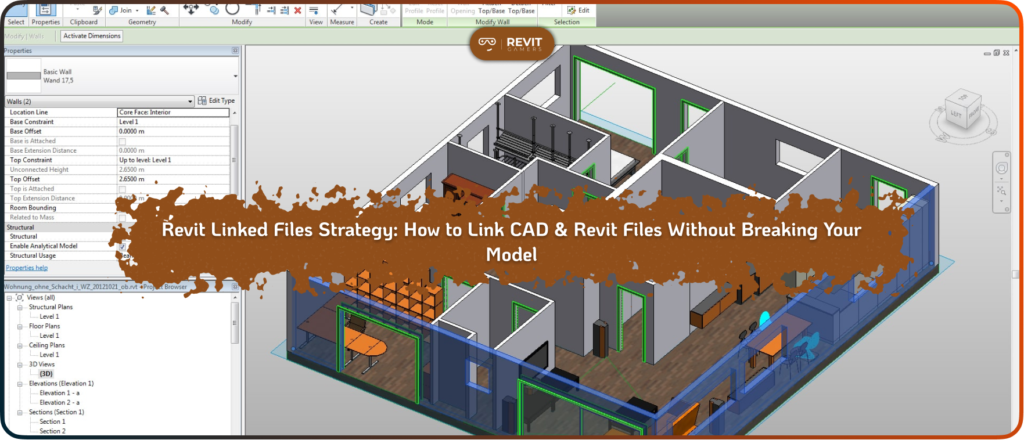
As Revit projects grow in size and complexity, file structure becomes more important than modeling skill. Many teams assume linking files is simply a technical step, but in reality, it is a strategic decision. Without a clear Revit linked files strategy, models become slow, unstable, and difficult to coordinate. In small projects, a single model […]
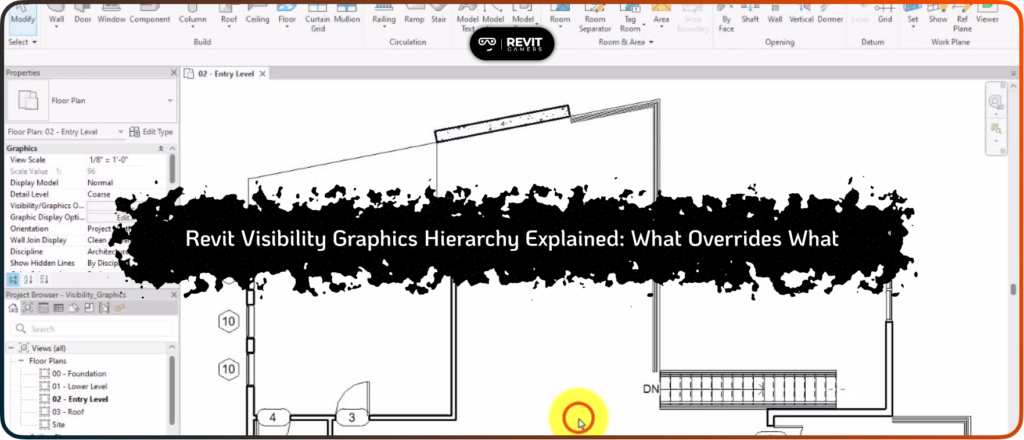
Visibility problems in Revit often confuse users because a single element may appear in one view but remain invisible in another. Unlike simple mistakes, these issues usually result from misunderstanding the Revit visibility graphics hierarchy, which governs how different settings interact to display elements. The hierarchy determines whether an element is visible, partially visible, or […]
Revit Performance Optimization: Revit is a powerful tool for architecture, engineering, and construction, but it can sometimes experience performance issues, particularly with large or complex models. Slow rendering times, freezes, and regeneration problems can hinder productivity and lead to frustration. Optimizing the performance of your Revit models is crucial to ensure that your project runs […]
Revit elements invisible: One of the most common frustrations in Revit is when elements suddenly become invisible in a view. This issue often appears random, but it almost always has a specific cause rooted in the Revit visibility graphics hierarchy or view-specific settings. Ignoring invisible elements can cause serious issues in documentation, clash detection, and […]

Take control of your learning with our flexible Revit Classes Online , designed for students, professionals, and self-learners alike. Whether you’re just starting with BIM or aiming to upgrade your existing skills, these classes provide a comprehensive, structured path to mastering Revit efficiently. Traditional tutorials and rigid schedules often slow progress or leave gaps in […]
Free vs Paid Revit Course: Choosing the right Revit course can feel overwhelming, especially with the abundance of options online. Aspiring architects, engineers, and designers often ask: Free vs Paid Revit Course—which one will truly accelerate my skills? While free courses attract learners with zero cost and instant access, paid courses promise structured learning, expert […]