Revit Gamers

Complex Revit.
Made Clear.

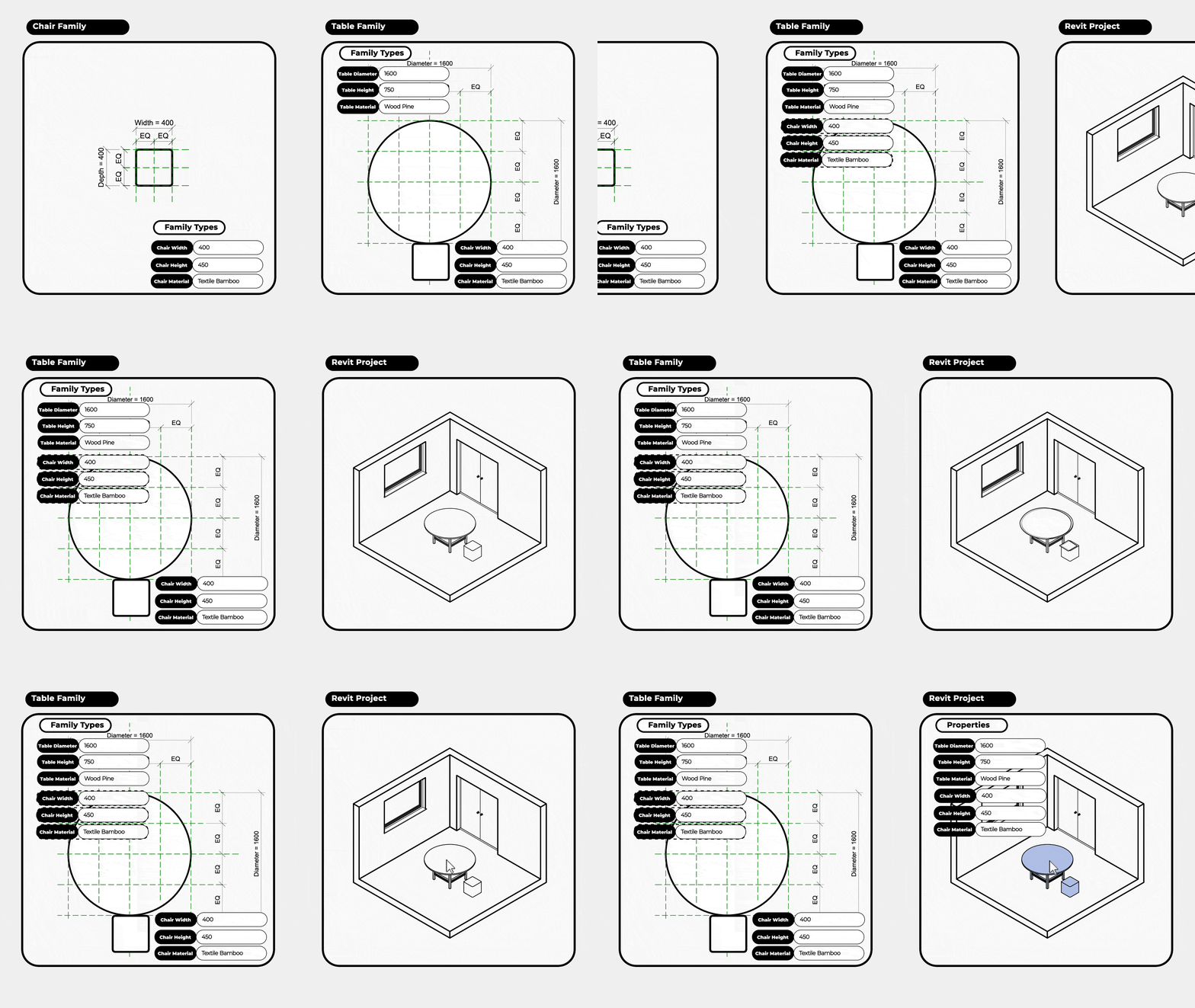
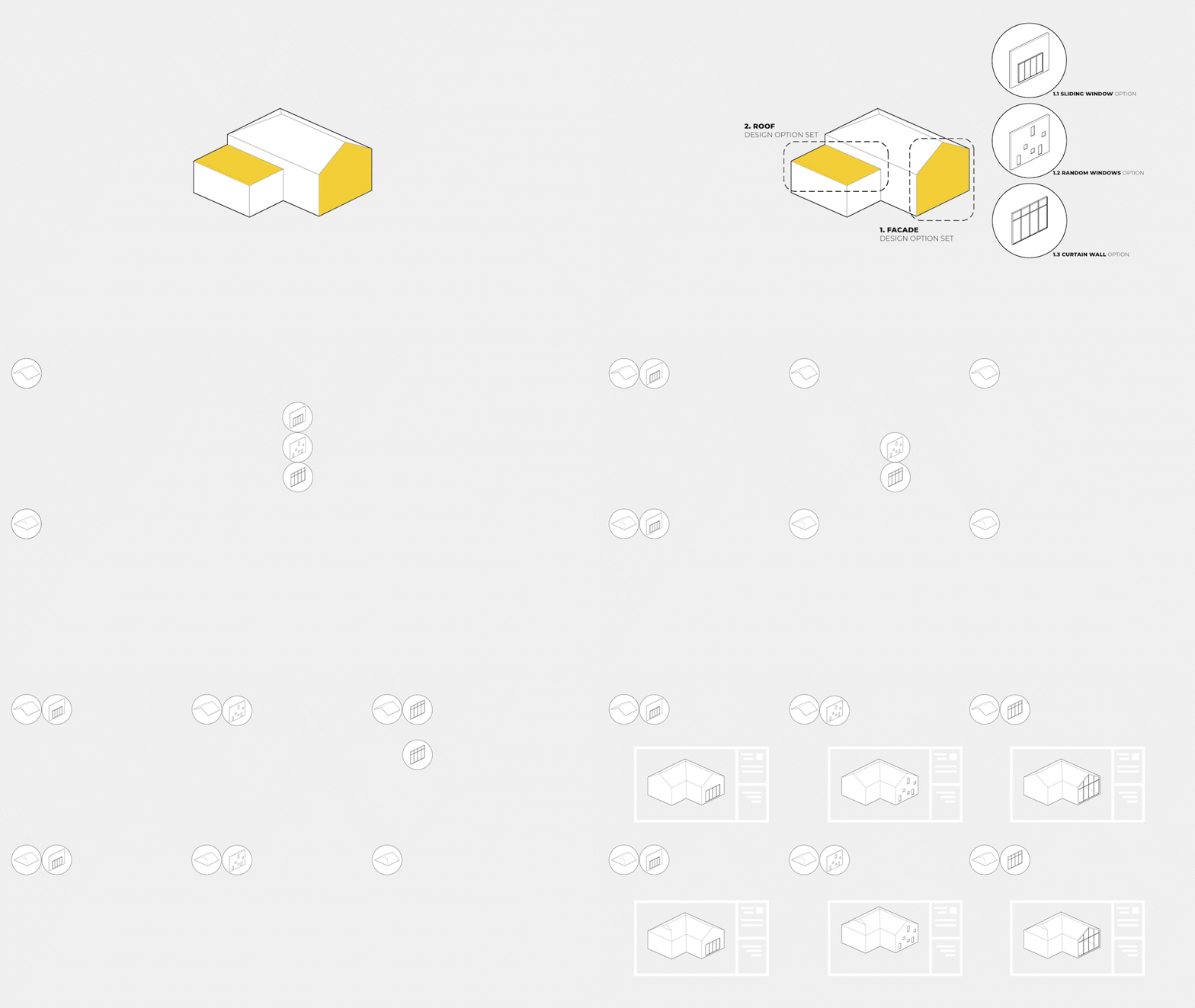
Learn Revit visually through purpose-built animations, clear explanations and practical workflows.

Find Your Fit

Choose Your Revit Path

Start with fundamentals, continue into professional workflows, or specialise in parametric families.

Revit Architecture Basics

$119.00 $59.90(USD)

Beginner → Intermediate

Enroll In Basics

Build a strong revit foundation through clear visual explanations, practical modeling and real architectural workflows.

check_circle 46 Lessons
calendar_month Revit 2024 → 2027
schedule Lifetime Access
workspace_premium Certificate of Completion
payments 7 Days Money Back Guarantee
handshake 2 Years Support
View Curriculum expand_more
  1. Introduction

    • Welcome to Revit Gamers
    • How to get Revit
    • Revit Home Page
    • Revit Interface
    • Navigating the project br…
    • Understanding the Revit …
    • Instance parameters vs t…
    • See objects in 3D
    • Creating a section
  2. Basic Tools and Settings

    • Drawing Tools
    • Temporary Dimensions
    • Selection Methods
    • Modify Tools
    • Temporary Hide Isolate El…
  3. Architecture Tools

    • Add Levels
    • Add Walls
    • Wall Layers
    • Wall Location Line
    • Add Doors and Windows
    • Add Floors
    • Add Roofs
    • Add Ceilings
    • Add Stairs
    • Add Railings
    • Add Curtain Walls
    • Surface and Cut Display …
    • Materials Basics
  4. Annotation

    • Aligned & Linear Dimensi…
    • Angular Dimension
    • Arc Measuring Tools
    • Spot Elevation
    • Add Text
    • Adding Tags
    • Detail Line
    • Masking & Filled Region
  5. Site Modeling

    • Insert a DWG File
    • Creating Topography
    • Adding Property Line
    • Preparing the Topography
    • Adding Subdivided Region
  6. Views

    • Add Sheets
    • Add Elevations
    • Add Sections
    • View Range
    • Graphical Display Options
    • Depth Cueing

Revit Architecture Mastery

$119.00 $59.90(USD)

Intermediate → Advanced

Enroll In Mastery

Go beyond the fundamentals with advanced modeling documentaion and project workflows designed for professional architectural practice.

check_circle 39 Lessons
calendar_month Revit 2024 → 2027
schedule Lifetime Access
workspace_premium Certificate of Completion
payments 7 Days Money Back Guarantee
handshake 2 Years Support
View Curriculum expand_more
  1. Introduction

    • Welcome to Revit Gamers
    • How to get Revit
  2. Architecture Tools – Part 2

    • Wall Layers Functions
    • Curtain Walls Manual Settings
    • Sloped Surfaces
    • Stairs by Sketch
    • Stairs Type Properties – Run
    • Stairs Type Properties – Landing
    • Stairs Type Properties – Supports
    • Railing Components
    • Railing Type Properties – Rails
    • Railing Type Properties – Baluster
    • Railing Type Properties – Top Rail
    • Adding Railing Extensions
  3. Views

    • Creating Floor & Ceiling Plan
    • Add Legends
    • Add Revisions
    • Add Callouts
    • Schedules
    • Camera Views
    • View Range
    • Graphical Display Options
    • Depth Cueing
  4. Rooms

    • Room and Room Tags
    • Colour Scheme
  5. Visibility & Graphics Controls

    • Line Styles
    • Line Weights
    • Line Patterns
    • Fill Patterns
    • Hierarchy of Control
    • Object Styles
    • Visibility and Graphics Override
    • View Filter
    • Element Overrides
    • Linework
  6. Phasing

    • Add Phases
    • Working with Phases
  7. Design Options

    • Add Design Options
    • Present Design Options

Revit Families

$119.00 $59.90(USD)

Beginner → Advanced

Enroll In Families

Learn to build flexible parametric families using geometry, parameters, forumlas, nested components, materials and visibility controls.

check_circle 37 Lessons
calendar_month Revit 2024 → 2027
schedule Lifetime Access
workspace_premium Certificate of Completion
payments 7 Days Money Back Guarantee
handshake 2 Years Support
View Curriculum expand_more
  1. Introduction

    • What is a Revit Family?
    • Create or Open a Family
    • Family Templates
    • Revit Family Interface
  2. Geometry

    • Forms
    • Work Plane
    • Extrusion
    • Sweep
    • Revolve
    • Blend
    • Swept Blend
    • Void Forms
    • In-Place Family
  3. Parameters – Part 1

    • Family Components
    • Define the First Parameter
    • Model a Box
    • Extrusion Profile Cut
    • Void Form Cut
  4. Practice 1 – Model an Armchair

    • Family Basics Setup
    • Model the Seat
    • Model the Backrest
    • Cut the Backrest
    • Model the Legs
    • Assign Material
    • Load into Project
  5. Parameters – Part 2

    • Material Parameter
    • Nested Families
    • Family Elements Visibility Settings
    • Family Formulas
  6. Practice 2 – Shelving Unit

    • Shelving Unit Initial Form
    • Model the Shelves
    • Model the Backboard
    • Model the Round Corners
    • Trim the Backboard
    • Model the Drawer
    • Insert the Drawer
BEST VALUE

Get The Complete Revit Gamers Learning Path

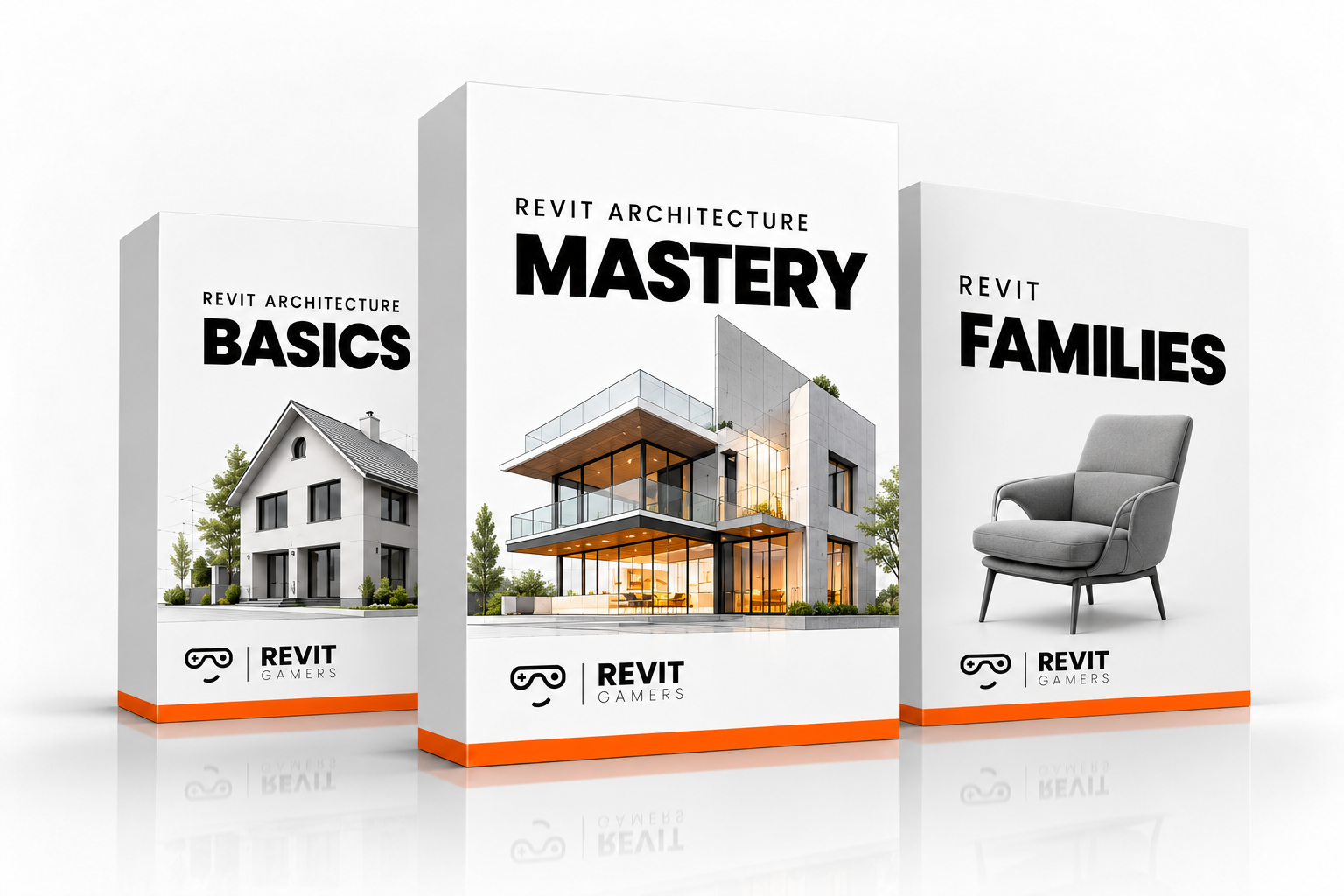
Access Revit Architecture Basics, Revit Architecture Mastery and Revit Families together, with lifetime access to all three courses.
Get All 3 Courses
$119.90 Save $59.80(USD) (33% off)
course bundle

Why Revit Gamers?

Founder & Instructor

Meet Vahid Salimi

Vahid Salimi is an architect and BIM Manager with nearly two decades of experience delivering architectural projects, implementing BIM systems, developing Revit standards and training project teams.

Throughout his career, he repeatedly saw the same learning gap: users could follow tutorials and repoduce commands, but often struggled to understand the logic behind Revit and apply confidently in real projects.

He created Revit Gamers to solve that problem, combining practical software demonstrations with purpose-built animations and visual explanations that turn complex Revit concepts into clear, usable knowledge.

Vahid Salimi, founder and instructor at Revit Gamers

Student Stories

See how visual learning transforms difficult concepts into practical Revit skills.

Haven’t Watched the Course Previews Yet?

Take a quick look inside each course and see the Revit Gamers teaching style before you choose.

Frequently Asked Questions

Everything you need to know before enrolling.

What is the difference between Revit Architecture Basics and Revit Architecture Mastery? expand_more
Revit Architecture Basics focuses on the essential tools, concepts, modelling and documentation skills needed to build a strong foundation. Revit Architecture Mastery continues beyond those fundamentals into more advanced architectural workflows, modelling, documentation and project-management techniques.
Which version of Revit do I need? expand_more
The courses support Revit 2025, 2026 and 2027. Most core concepts also carry across nearby versions, although some tools and interface details may differ.
Is an Autodesk Revit licence included in the course price? expand_more
No. An Autodesk Revit licence is not included. You will need your own legitimate access to Revit to follow the practical exercises.
Will these courses help me prepare for a Revit job? expand_more
They are designed to build your Revit knowledge and understanding, which can strengthen your technical capability when applying for Revit-related roles. They do not guarantee employment, and professional experience, portfolio quality and broader architectural or BIM knowledge also matter. This is a very common concern among architecture graduates and career changers learning Revit.
Are exercise files and project resources included? expand_more
Yes. Relevant exercise files and resources are included so you can follow along with the lessons and practise what you learn.
Can I upgrade to the Full Access Bundle later? expand_more
Yes. If you purchase an individual course first and later decide to move to the Full Access Bundle, contact us to receive an offer to upgrade.
Can I use a different Revit version from the one shown in the lessons? expand_more
Usually, yes. The main concepts and workflows remain similar across recent versions, although buttons, interface elements and some features may appear differently. Autodesk itself notes similar cross-version differences in its current training material.
What is the refund policy? expand_more
You can request a refund within 7 days of purchase, provided you have watched no more than 10% of the course.
What support is included? expand_more
Each course includes two years of learning support for course-related questions.
Do you offer licences for companies or teams? expand_more
Yes. Revit Gamers offers licences for companies and teams. Contact us to discuss the number of users and the most suitable option.

Ready to learn Revit more clearly?

Choose the course that fits your current level, or get the complete learning path with the Full Access Bundle.