
News & Events
Professional BIM Execution in Revit: Common Mistakes & Solutions

Professional BIM execution in Revit is essential for large-scale, collaborative projects. A well-executed BIM model streamlines the entire construction process—from design to fabrication to operation. However, even the most advanced Revit users can encounter common pitfalls that lead to inefficiencies, errors, and rework. Recognizing these issues early and implementing proper workflows is key to optimizing your project execution.
This tutorial highlights the most frequent mistakes professionals make in Revit and provides practical solutions to correct them. From model organization to collaboration, we’ll explore project-based solutions that ensure smooth, error-free workflows. By addressing these challenges, you can elevate your BIM practices and improve overall project efficiency. This guide will help you not only avoid common mistakes but also sharpen your skills for professional-level BIM execution.
Learn more: best pyRevit tools :Top 7 pyRevit Tools That Will Save You Time
Mistake #1: Poor Model Organization and Structure
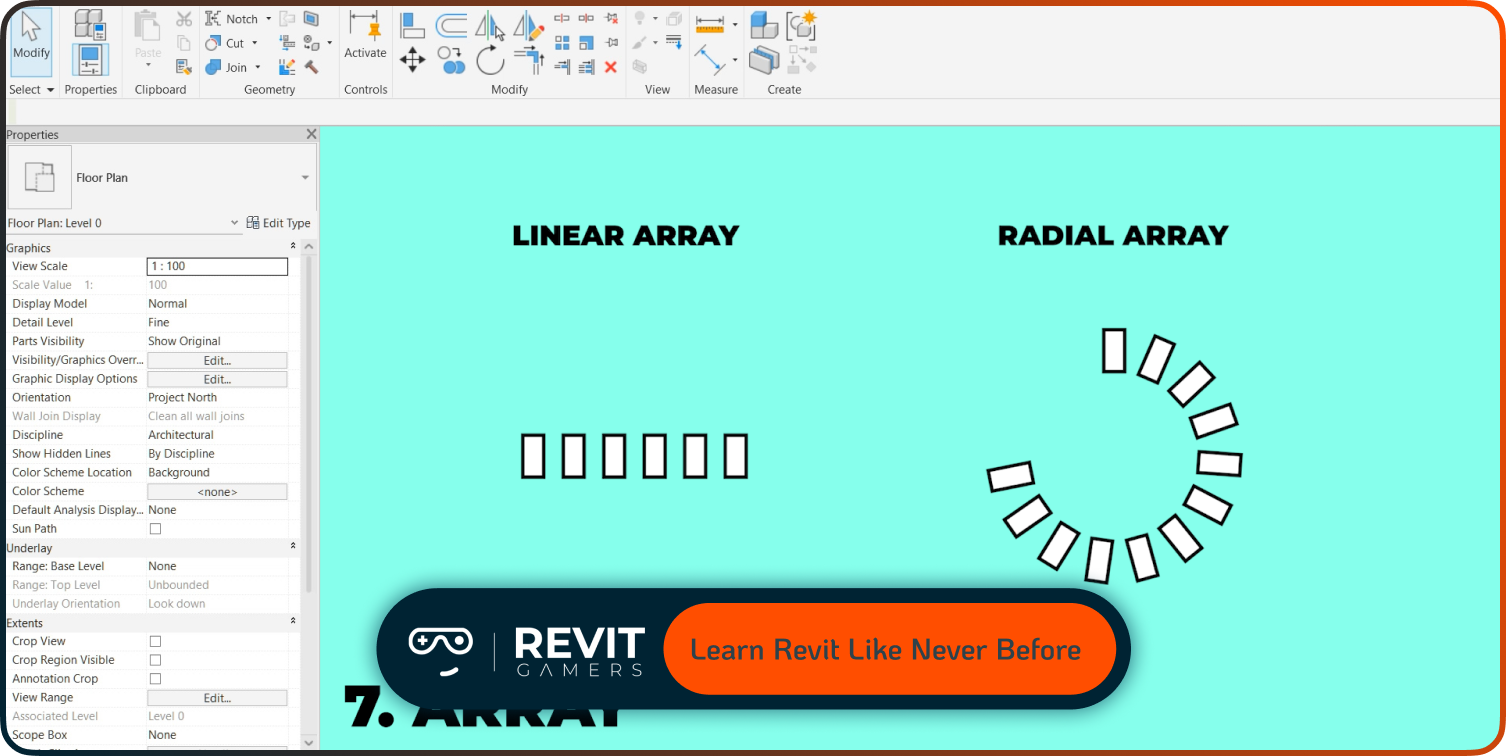
One of the most common mistakes in Revit is poor model organization. In large projects, disorganized files can result in slower performance, confusion, and difficulty navigating the model. A lack of proper structure makes it hard to locate elements or identify issues. To avoid this, create a solid model structure from the beginning by establishing a consistent naming convention for families, views, and sheets. Implement organized file management practices, including the use of subfolders for different categories (architecture, structure, MEP, etc.). Also, plan the logical grouping of elements by using Worksets effectively.
By grouping elements like walls, floors, and roof structures into separate worksets, you can enhance collaboration and optimize performance. Properly structuring your Revit model not only improves efficiency but also reduces errors, ensuring smoother workflows throughout the entire project lifecycle.
Mistake #2: Inadequate Use of Worksets and Phasing
Improper management of Worksets and Phasing is a common issue in larger Revit projects. Without careful organization, these elements can cause significant inefficiencies, such as slow file loading times and difficulties during collaboration. To optimize your use of worksets, establish clear boundaries early in the project. Group related elements (e.g., architectural, structural, MEP) into distinct worksets. This allows team members to load only relevant portions of the model, reducing unnecessary data processing. This enables a more flexible, organized approach to tracking changes and ensures that each team member is working within their designated phase. By implementing consistent workset and phasing strategies, you reduce model complexity, improve collaboration, and boost overall project efficiency.
Learn more: Revit Architecture Mastery
Mistake #3: Not Leveraging Revit Families Efficiently
One of the most critical aspects of Revit is the creation and management of families. Overly complex families with excessive parameters can slow down your model and make it harder to manage. This mistake is particularly common in large projects where hundreds of families may be used across different disciplines. To optimize families, start by creating families that are as simple as possible while still fulfilling the necessary design requirements.
Limit the number of nested families, which can unnecessarily increase file size and complexity. Use shared parameters to maintain consistency across various project elements. Additionally, simplify geometry in families—avoid overcomplicating shapes and focus on essential components. By managing families effectively, you not only optimize model performance but also improve the flexibility of your design process, reducing errors and making it easier to modify or adapt the model later on.
Mistake #4: Lack of Consistent Collaboration Practices
Collaboration in BIM is essential, especially for large-scale projects involving multiple teams. A lack of consistent collaboration practices in Revit can lead to issues like version control errors, conflicting updates, and misaligned workflows. To address this, establish a clear protocol for Worksharing—Revit’s tool for collaborative modeling. Ensure all team members are familiar with Revit’s Worksets, which allows for real-time updates and simultaneous editing.
Consistently sync the model and avoid overwriting changes made by others. Set up central models and local copies for each user to ensure data integrity and prevent versioning conflicts. Furthermore, use Linked Models to allow multiple disciplines to work independently without interfering with others’ work. Having a clear, standardized process for collaboration ensures smooth workflows, reduces errors, and helps teams stay on track.
Learn more: Learn Revit: Animated Course vs Traditional Tutorials 2025
Mistake #5: Ignoring Template and View Consistency
A common mistake in professional BIM execution is neglecting the consistency of templates and views. Inconsistent view setups across different team members can lead to confusion, errors, and time wasted on rework. To prevent this, establish standardized Revit templates for all project teams. Include predefined view templates, title blocks, and annotation styles to maintain uniformity across all project documents. Set up view templates to automatically apply visibility settings, scale, and detail levels to specific views.
This ensures that everyone working on the project is on the same page visually, preventing discrepancies in drawings and models. By using consistent templates and view setups, you’ll streamline the documentation process, ensure accuracy in all deliverables, and avoid mistakes caused by inconsistent standards across different project phases.
Mistake #6: Poor Parameter Management
Inefficient parameter management can cause confusion, reduce the flexibility of your model, and make it difficult to update. One mistake is overloading your model with unnecessary parameters or not using them consistently. To optimize parameter management, begin by clearly defining your project’s parameter requirements.
Use shared parameters to ensure consistency across the project, and minimize the number of instance-based parameters. Categorize parameters based on their use—whether they are for tagging, scheduling, or dimensional control. Regularly audit your parameters to ensure they are being used correctly, and remove any redundant or unused parameters. Additionally, utilize project parameters to manage global settings, ensuring all project elements are linked and maintain consistent attributes. Effective parameter management not only streamlines your model but also improves data accuracy, project coordination, and efficiency throughout the project.
Learn more: How to Master Revit Training: 10 Revit shortcuts animated
Mistake #7: Not Using Advanced Tools and Features
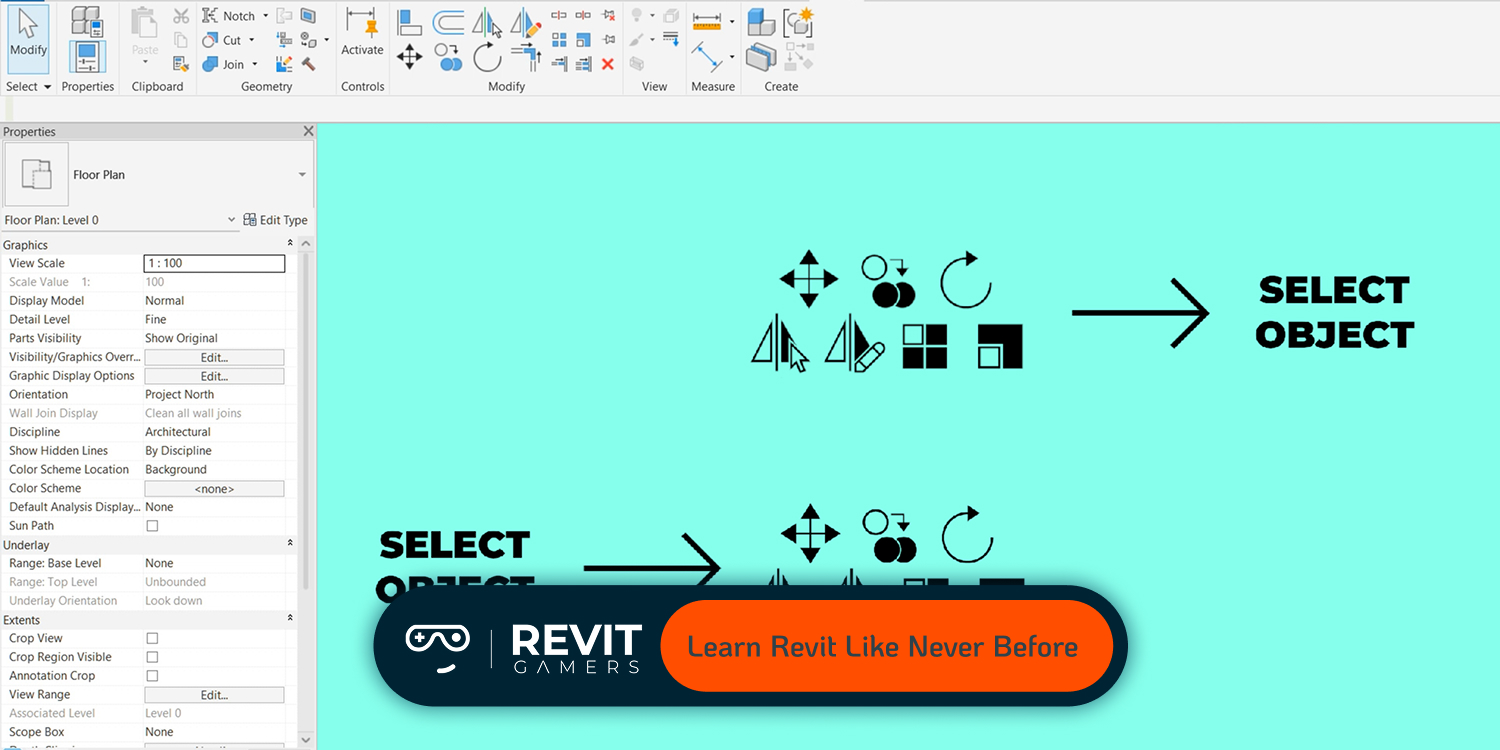
Many advanced Revit users fail to fully leverage the advanced tools available to them. These tools, such as Dynamo, Schedules, and Worksharing, can vastly improve the speed and accuracy of a project. For example, Dynamo scripting allows for automation of repetitive tasks, such as placing multiple elements or updating parameters across your model. Schedules in Revit can be used not just for material takeoffs but for managing design changes, coordinating between disciplines, and automating updates.
Worksharing tools ensure that multiple team members can collaborate simultaneously on the same model without conflicts. By incorporating these advanced tools into your workflow, you can automate tasks, improve data accuracy, and significantly reduce manual work, ultimately speeding up your BIM execution. Investing time to learn and apply these features will drastically optimize your model’s performance and workflow.
Learn more: Fix Revit Errors: Most Common Problems and How to Solve Them
Conclusion: Best Practices for Professional BIM Execution in Revit
To maintain high-quality BIM execution in Revit, avoid common mistakes and instead focus on best practices. Ensure that your models are well-organized, with clear naming conventions and logical workset structures. Optimize family usage and manage parameters effectively to reduce complexity and enhance flexibility. Maintain consistent collaboration practices to ensure smooth workflows between team members. Regularly update templates and view settings to improve consistency, and use Revit’s advanced features—like Dynamo and scheduling—to optimize performance. Implementing these strategies will streamline your project delivery, reduce errors, and significantly improve your Revit workflow. Continuous improvement in your Professional BIM execution in Revit will lead to more efficient projects, better data accuracy, and greater collaboration across all disciplines.
Leave a Reply
You must be logged in to post a comment.