
News & Events
How Long to Learn Revit? Realistic Timeline Explained
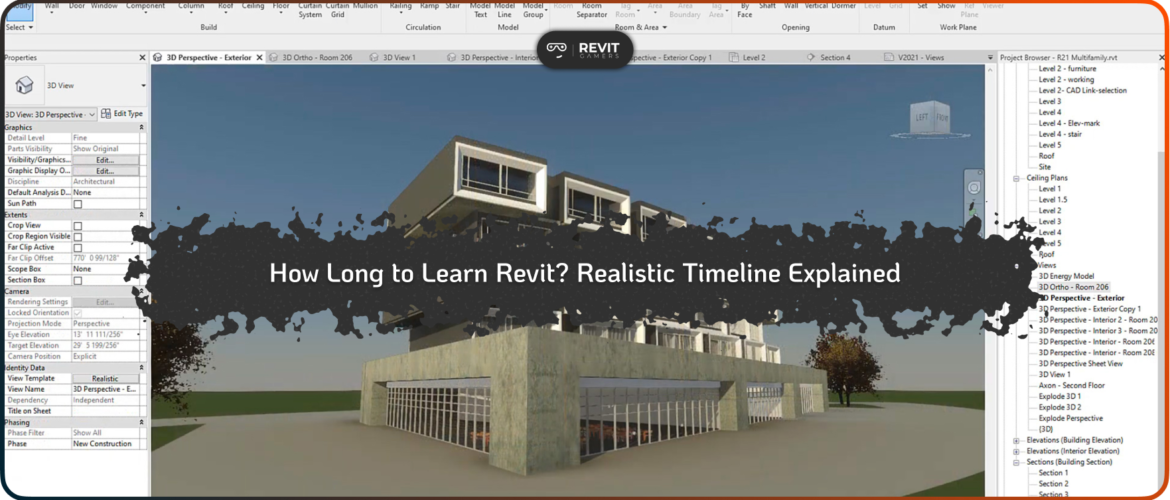
One of the most common questions among beginners entering the BIM world is: How Long to Learn Revit? The answer is not as simple as a fixed number of days or weeks. Unlike basic software, Revit is a complex BIM platform used in architecture, engineering, and construction, where learning depends heavily on practice, consistency, and learning method. Some people try to master it in a few weeks, while others take several months to become confident. The truth lies somewhere in between, and it depends on how you approach the learning process.
Many beginners underestimate the depth of Revit. They assume that watching a few tutorials is enough to become job-ready. However, Revit is not just about tools—it’s about understanding workflows, project structure, and how different building elements interact in a real BIM environment. Without a structured approach, learners often feel lost, jump between topics, and fail to build real confidence.
That’s why understanding a realistic timeline is so important. Instead of expecting overnight results, learners should focus on gradual progress. A well-planned journey helps you move from basic modeling to professional-level project execution in a predictable way. In this article, we will break down the real timeline for learning Revit, including beginner, intermediate, and advanced stages.
We will also explore the factors that affect your learning speed, such as practice time, course quality, and whether you follow a structured learning path. Some platforms, like Revit Gamers, emphasize structured, project-based learning, which helps reduce confusion and significantly improves learning speed compared to random tutorials.
By the end of this article, you will have a clear and realistic understanding of How Long to Learn Revit, and what steps you need to take to reach your goals faster and more efficiently.
What Does “Learning Revit” Actually Mean?
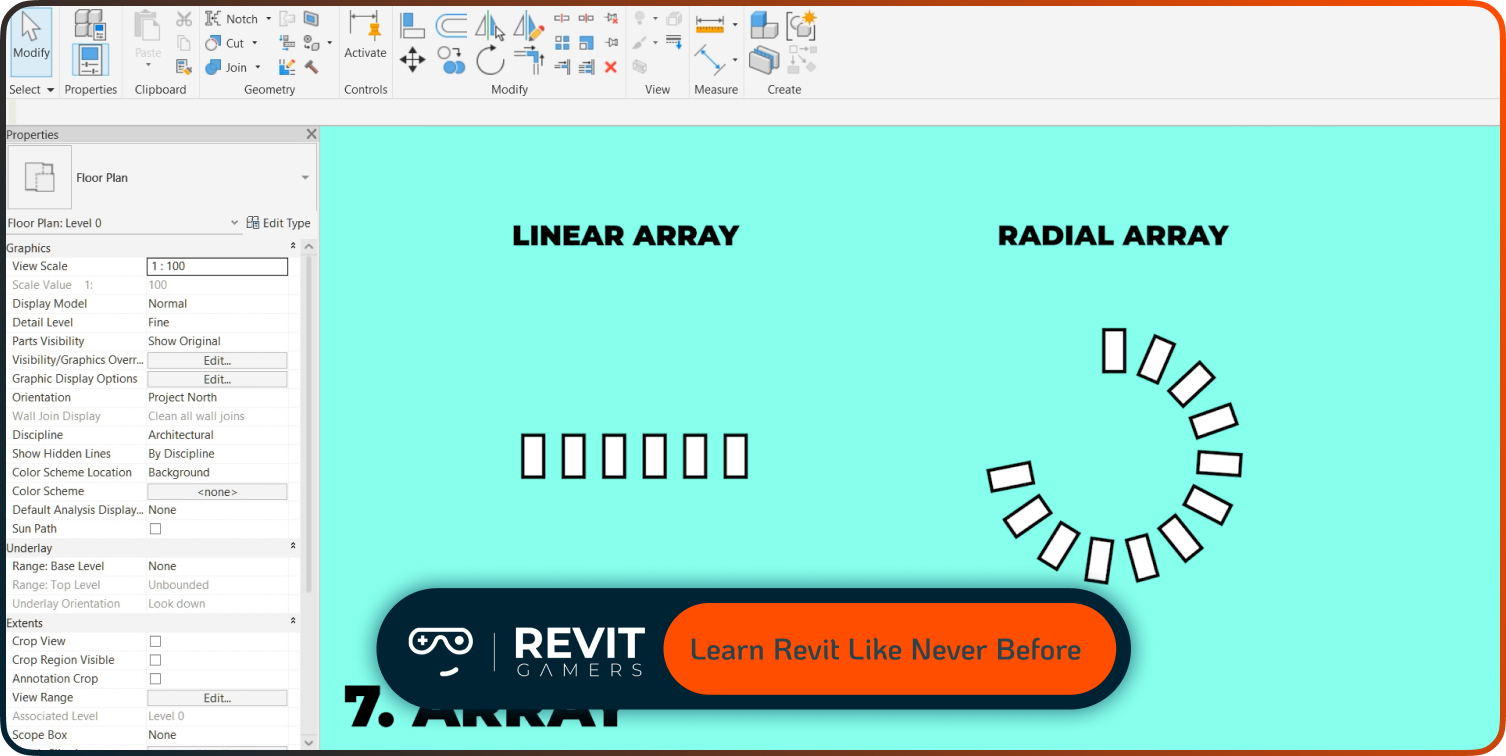
Before answering How Long to Learn Revit, it’s important to define what “learning Revit” actually means. Many beginners assume that learning Revit simply means knowing how to use tools like walls, doors, and windows. However, true Revit proficiency goes far beyond that.
Learning Revit can be divided into three main levels: basic, intermediate, and professional. At the basic level, you learn how to navigate the interface, create simple models, and understand fundamental tools. This stage is about familiarity rather than mastery. At the intermediate level, you start working with real workflows, including sheets, annotations, families, and project organization. This is where Revit starts becoming practical rather than theoretical.
At the professional level, learning Revit means being able to handle complete BIM projects. This includes collaboration with teams, managing linked files, worksharing, and producing construction-ready documentation. At this stage, you are not just using software—you are thinking like a BIM professional.
The confusion often happens because learners mix these levels together. Someone might know basic tools but still struggle with real projects, leading them to believe they have “learned Revit” when in reality they are still at a beginner stage.
Understanding this distinction is crucial because it directly affects expectations. If your goal is only basic modeling, you might reach it quickly. But if your goal is job-ready BIM skills, the timeline is much longer.
That’s why answering How Long to Learn Revit depends entirely on what level you aim to reach, not just how many hours you spend learning.
Beginner Stage: First 2–4 Weeks
The beginner stage is the foundation of the entire Revit learning journey, and it plays a major role in determining How Long to Learn Revit overall. In the first 2 to 4 weeks, learners are introduced to the Revit interface, navigation tools, and basic modeling concepts. This includes understanding how to move in 2D and 3D views, how to manage projects, and how to use fundamental tools like walls, doors, windows, floors, and basic components.
At this stage, the goal is not speed or complexity—it is familiarity. Learners need to understand how Revit “thinks” as a BIM system. Unlike traditional CAD software, Revit is parametric, meaning every element is connected and data-driven. This concept alone takes time to fully absorb.
Beginners also learn about levels, grids, and simple project organization. These elements are essential because they form the skeleton of every Revit model. Without them, projects become disorganized and difficult to manage later.
However, this stage is also where many learners make mistakes. Some try to rush into advanced topics too quickly, while others rely only on watching videos without practicing. Both approaches slow down progress in the long run.
A structured learning approach is very helpful here. Platforms that focus on guided progression, such as Revit Gamers, help learners stay on track by introducing concepts step by step with practical exercises. This reduces confusion and ensures that beginners build a strong foundation instead of skipping important steps.
By the end of this stage, learners should be able to create simple building models and navigate Revit comfortably. This foundation is critical for everything that comes next.
Intermediate Stage: 1–3 Months
The intermediate stage is where Revit learning becomes more serious and practical, and it significantly influences How Long to Learn Revit for job readiness. During this phase, learners move beyond basic modeling and start working with real project workflows.
At this level, learners begin to understand families, which are the core building blocks of Revit. They also work with annotations, sheets, schedules, and documentation tools. These elements are essential for turning a model into a complete construction document.
Workflow understanding becomes the main focus. Instead of just placing elements, learners start thinking about how a full project is structured—from design to documentation. This includes organizing views, managing sheets, and maintaining consistency across the entire project.
This stage usually takes between 1 to 3 months, depending on practice time and learning consistency. Learners who practice daily and work on real projects progress much faster than those who only watch tutorials.
A key challenge at this stage is connecting theory with practice. Many learners understand individual tools but struggle to apply them in real scenarios. This is why project-based learning becomes extremely important.
Some structured platforms, including Revit Gamers, focus heavily on this stage by introducing real project workflows instead of isolated lessons. This helps learners bridge the gap between basic knowledge and professional application.
By the end of the intermediate stage, learners should be able to handle complete small-to-medium projects with confidence.
Advanced Stage: 3–6+ Months
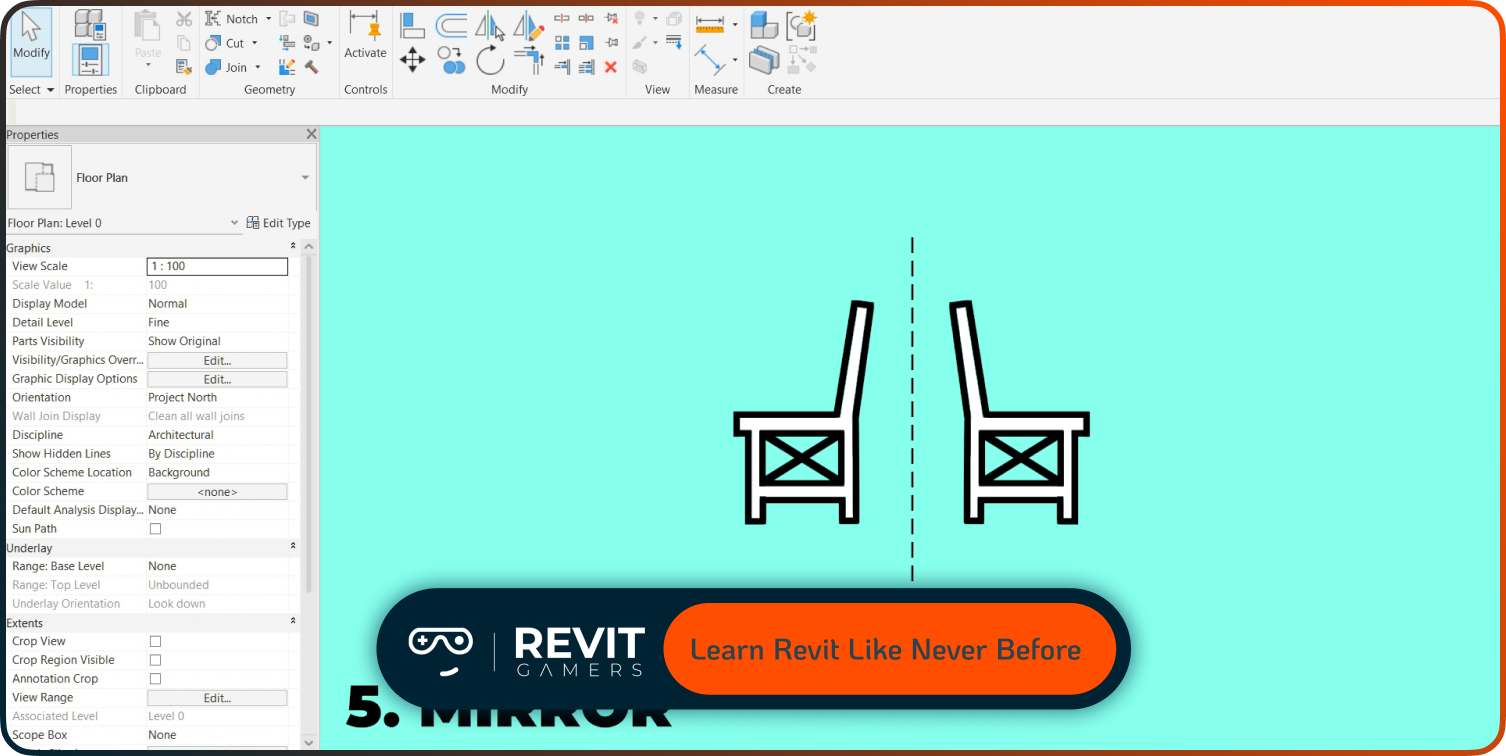
The advanced stage represents the final step in understanding How Long to Learn Revit for professional-level mastery. At this stage, learners are expected to handle complex projects and real-world BIM workflows.
One of the main topics here is worksharing, which allows multiple users to collaborate on the same project. This is essential in professional environments where teams work together on large-scale buildings. Learners also work with linked files, integrating architectural, structural, and MEP models into a single coordinated project.
Parametric design and advanced families also become important. These allow users to create flexible, data-driven components that adapt to different project needs.
This stage typically takes 3 to 6 months or more, depending on project complexity and experience level. It requires consistent practice and exposure to real-world scenarios.
At this level, learners are no longer just using Revit—they are managing BIM processes, solving coordination issues, and producing professional documentation.
Factors That Affect Learning Speed
The timeline for How Long to Learn Revit is not fixed because several factors influence learning speed. The most important factor is practice time. Learners who practice daily naturally progress faster than those who study occasionally.
Course quality is another major factor. Structured learning paths with real projects significantly reduce confusion and improve efficiency. In contrast, random tutorials slow down progress.
Previous experience with design software can also help. Users familiar with CAD or architectural workflows often learn faster.
Finally, mindset and consistency play a huge role. Revit requires patience and repetition. Without consistent effort, progress slows significantly.
Self-Learning vs Structured Courses
Self-learning gives flexibility, but it often leads to confusion when trying to understand How Long to Learn Revit. Without structure, learners jump between topics and miss key fundamentals.
Structured courses solve this problem by providing a clear path from beginner to advanced. They ensure that every concept is introduced in the right order, which significantly improves learning speed.
Platforms like Revit Gamers focus on structured, project-based learning, helping learners stay on track and avoid common mistakes found in self-learning.
Fast-Track Learning: Can You Learn Revit in 30 Days?
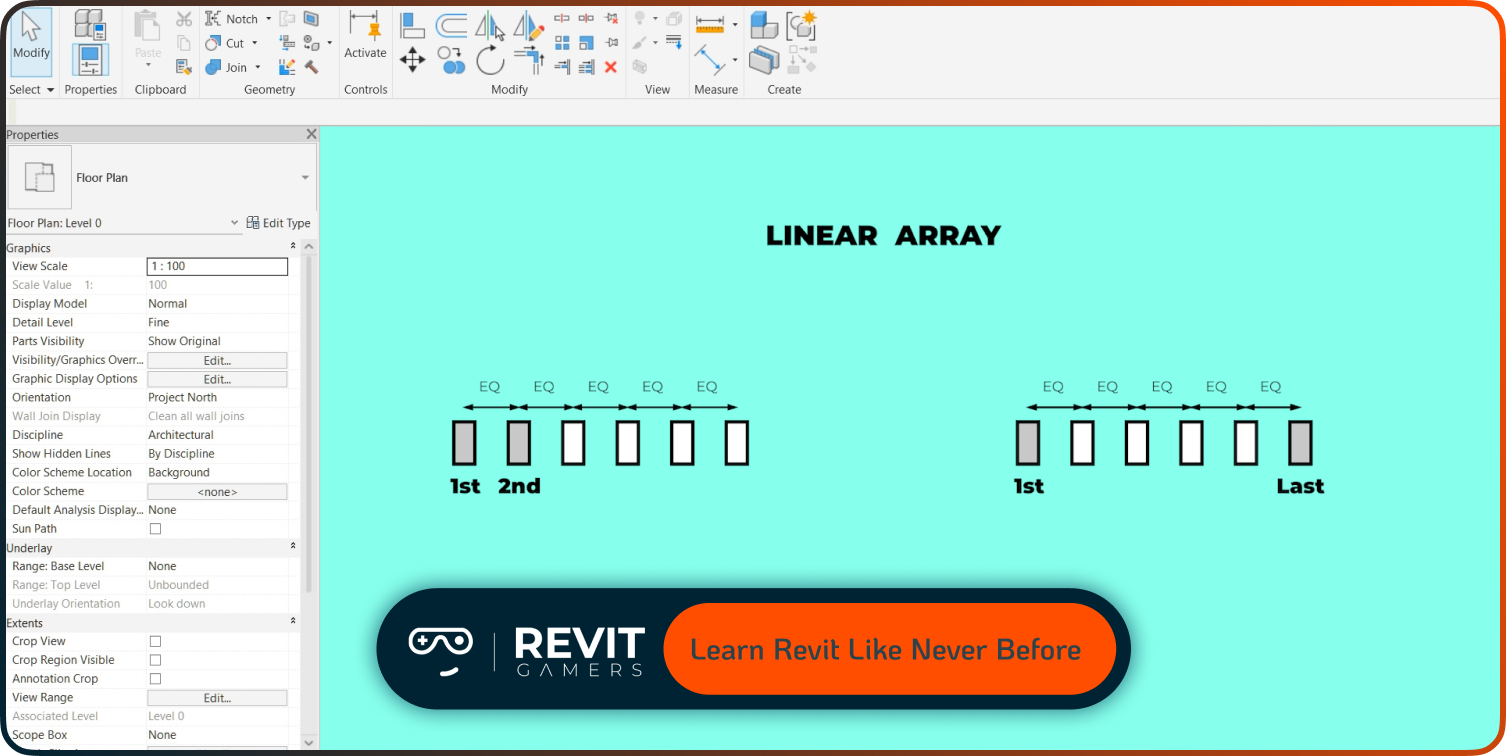
While some people claim you can learn Revit in 30 days, the reality is more complex. You can learn basic tools in that time, but becoming job-ready requires much longer.
Fast-track learning is possible only with intensive daily practice and structured guidance. Otherwise, most learners need several months to become confident.
Conclusion
Understanding How Long to Learn Revit is about setting realistic expectations. Beginners can learn basics in a few weeks, reach intermediate level in a few months, and achieve professional skills within half a year or more.
The key is not speed, but consistency and structured learning. Choosing the right path makes all the difference in your progress and career success.
Leave a Reply
You must be logged in to post a comment.