
blog
Mastering Advanced Revit Views & Sheets is essential for intermediate users aiming to improve project efficiency and maintain consistency across complex BIM models. Views and sheets are the backbone of project visualization, communication, and documentation. Many users struggle with organizing multiple views or applying consistent standards across sheets, leading to wasted time and errors. In […]

Common Revit modeling mistakes: Over-modeling is one of the most common mistakes in Revit, especially among beginners. Many users believe that adding every possible detail early in the project makes it more accurate. In reality, this approach slows down the model, increases file size, and can cause crashes. Elements like complex furniture, small fixtures, or […]
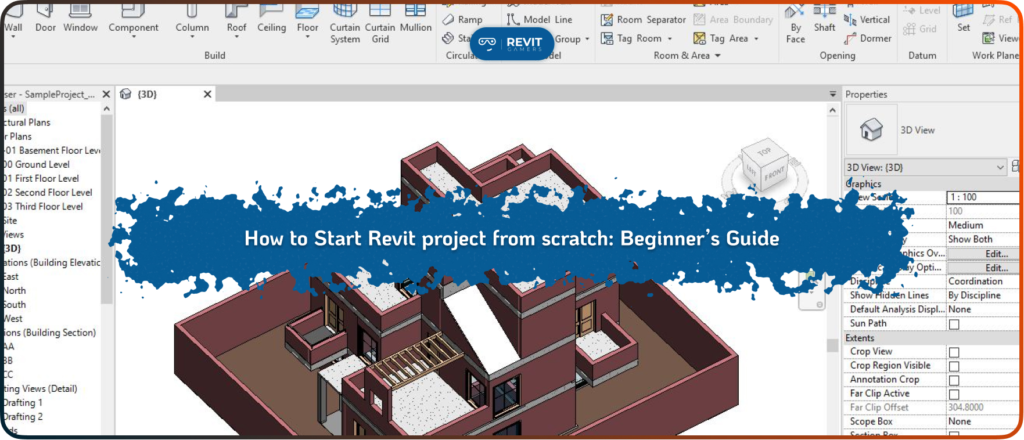
When you start Revit project from scratch, the way you set up the first steps will shape the quality and efficiency of everything that follows. Revit is not just a drafting tool—it’s a Building Information Modeling (BIM) platform, meaning every element you add contains data that can be used later for design, documentation, and construction. […]
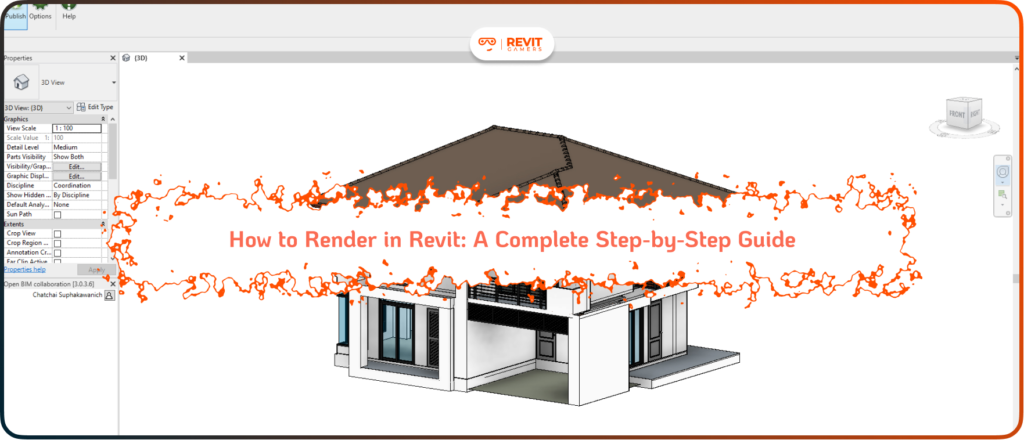
In architectural and engineering design, visuals communicate ideas more powerfully than technical drawings alone. Stakeholders, whether they are clients, contractors, or planning authorities, often respond best to realistic images that bring a project to life. This is where rendering becomes essential. Revit is not only a powerful Building Information Modeling (BIM) tool but also a […]
Large Revit projects—such as multi-building complexes, hospitals, or large commercial developments—pose unique challenges for performance and stability. As models grow in size and complexity, file load times increase, synchronization slows, and the risk of crashes rises. Without proper practices, teams can experience delays, data loss, and inefficient workflows. Implementing Revit best practices for large projects […]
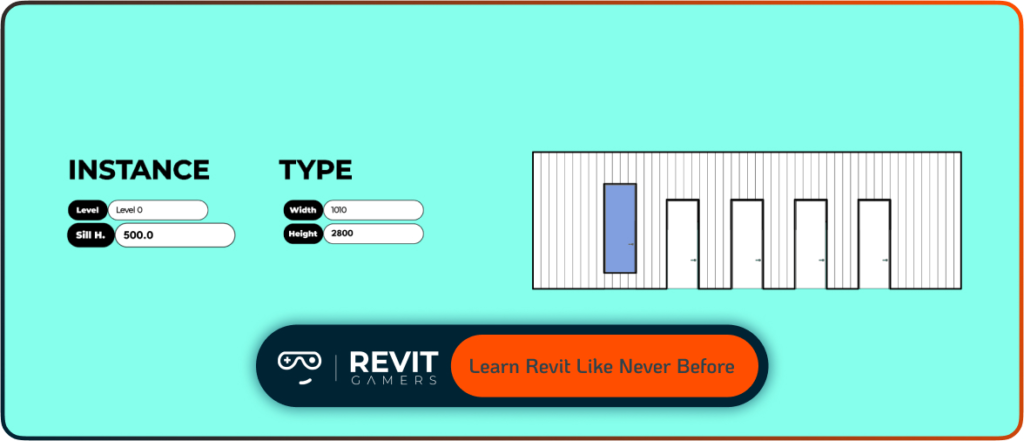
Effective Revit File Management is essential for project stability, efficiency, and collaboration. Improper handling of files can lead to crashes, corruption, or even loss of critical project data. With complex BIM models, multiple users, and linked files, the risk increases if workflows are not structured. File management in Revit isn’t just about saving files—it involves understanding […]
Revit Schedules: When people first hear “schedules” in Revit, they often assume it’s just another spreadsheet tool—something like Excel inside the software. That assumption couldn’t be further from the truth. Revit schedules are not static tables; they are dynamic windows into your model’s data. Every entry in a schedule is directly tied to the model […]
change units in Revit: In today’s construction industry, many projects are delivered by multinational teams. Architects, engineers, and contractors often collaborate across borders, which means consistency in measurement systems is critical. If one team works in metric while another uses imperial, errors can easily occur, leading to design conflicts, construction mistakes, or costly rework. That […]
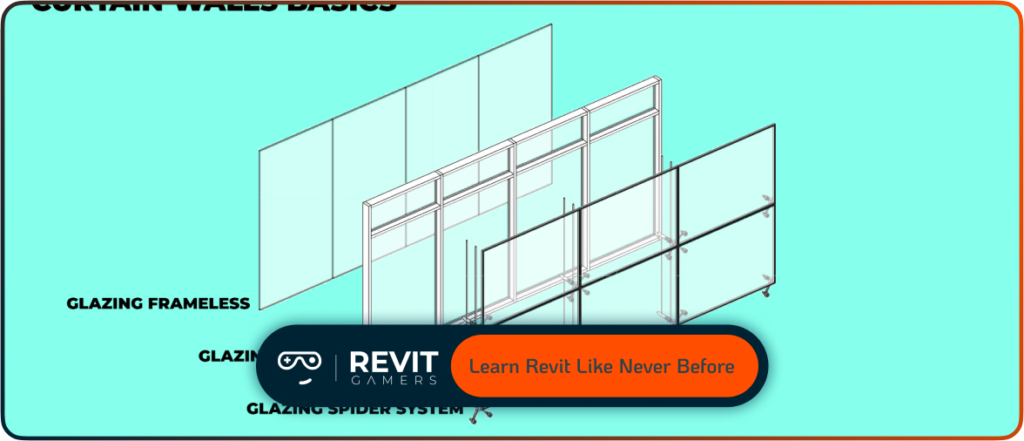
Revit is a powerful BIM platform, but navigating through menus and toolbars can slow down even the most skilled users. This is where Revit shortcuts become essential. Keyboard commands allow architects, engineers, and designers to bypass repetitive clicks and directly access the tools they need. For example, switching between views or activating modification commands can […]
Mastering the ability to create family in Revit is one of the most important skills for anyone starting with Building Information Modeling (BIM). Families are the backbone of Revit projects, shaping how doors, windows, furniture, structural elements, and even annotation symbols behave. Without custom families, a project quickly becomes limited by out-of-the-box components, leading to […]