
News & Events
Revit vs AutoCAD 2025: Which Is Worth Learning?

Selecting the right design software is critical for career growth and project efficiency. Revit and AutoCAD dominate the architecture, engineering, and construction (AEC) industries, but each serves different purposes. Revit focuses on Building Information Modeling (BIM), supporting integrated workflows for multi-disciplinary projects, while AutoCAD remains a versatile CAD tool for precise drafting, 2D layouts, and 3D modeling. Choosing the right platform affects not only your learning curve but also the quality, speed, and collaboration potential of your projects. With Revit vs AutoCAD 2025, new updates introduce enhanced collaboration features, improved parametric design tools, and cloud integration that can influence your choice.
This article explores their key differences, strengths, and weaknesses to help you make an informed decision, tailored to your project types and career goals. Whether you’re a student, intermediate designer, or professional looking to expand your toolkit, understanding these platforms’ unique offerings will help you focus on the software that brings the most value to your workflow.
Learn more: Reset Revit UI: Bring Back Your Lost Panels Easily
History and Evolution of Revit and AutoCAD
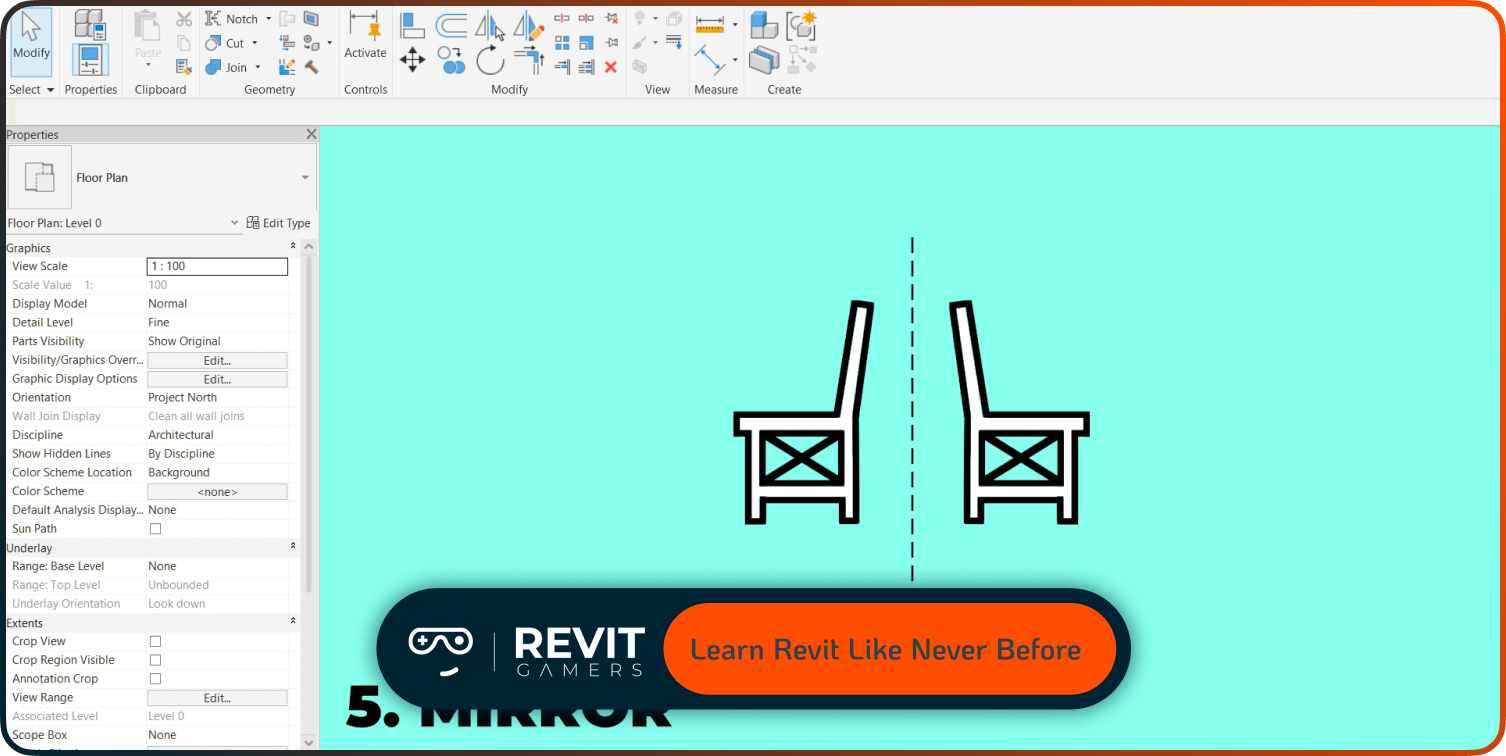
Revit was introduced as a BIM-centric platform, aiming to provide an integrated design solution that combines modeling, documentation, and collaboration. Over the years, Revit has evolved with parametric families, worksharing tools, and cloud-based collaboration capabilities. Its 2025 update focuses on enhanced generative design features and faster model performance, catering to complex building projects. AutoCAD, on the other hand, has a legacy spanning over 40 years, evolving from a 2D drafting tool into a flexible 3D design software with specialized toolsets for architecture, MEP, and structural disciplines. AutoCAD 2025 introduces enhanced automation, improved drawing navigation, and cloud-based collaboration, making it easier for teams to coordinate across platforms.
Understanding the history and evolution of both tools helps learners appreciate why each software is optimized for certain tasks. While Revit emphasizes project-wide integration, AutoCAD prioritizes precision drafting and adaptability, giving users different strengths depending on project needs. This historical context clarifies why each tool attracts a distinct user base in 2025.
Core Differences in Workflow and Design Approach
The fundamental difference between Revit and AutoCAD lies in their workflow and design approach. Revit operates on BIM principles, meaning all elements in a model are interconnected; changes to one component automatically update all related views and schedules. This parametric approach enhances efficiency and reduces human error, especially in large-scale projects. AutoCAD, by contrast, relies on a traditional CAD workflow, where 2D drafting and 3D modeling are largely independent.
Designers manually adjust details, dimensions, and annotations, which allows maximum control but increases the risk of inconsistencies. Revit supports multi-disciplinary collaboration directly within the model, while AutoCAD often requires linking or overlaying multiple drawings. For learners, understanding these workflow differences is crucial: Revit’s approach is ideal for integrated projects with complex coordination, whereas AutoCAD excels in precise drafting, layout flexibility, and specialized industries where BIM may not yet be essential. Choosing between Revit vs AutoCAD 2025 depends on whether you prioritize automation and integration or granular drafting control.
Learn more: Revit file too big: Why Is Your Revit File So Heavy? How to Optimize It
User Interface and Learning Curve
Learning curve is an important consideration when deciding between Revit and AutoCAD 2025. AutoCAD has a relatively straightforward interface familiar to many designers due to its long-standing use in the industry. The ribbon, tool palettes, and command line provide fast access to drawing and editing tools, making it easier for beginners to start producing work quickly.
Revit’s interface, however, is more complex, with tabs for architecture, structure, systems, and families, as well as parametric properties and schedules. Beginners may find Revit’s environment overwhelming initially, but mastering it unlocks powerful BIM capabilities. In 2025, Revit has improved its interface usability with enhanced tooltips, more intuitive family management, and better navigation for large projects. For intermediate users, investing time in Revit’s learning curve can pay off with long-term efficiency, while AutoCAD provides a faster path to productivity for straightforward drafting tasks. Understanding these differences helps learners choose based on their workflow preferences and project requirements.
Collaboration and Teamwork Capabilities
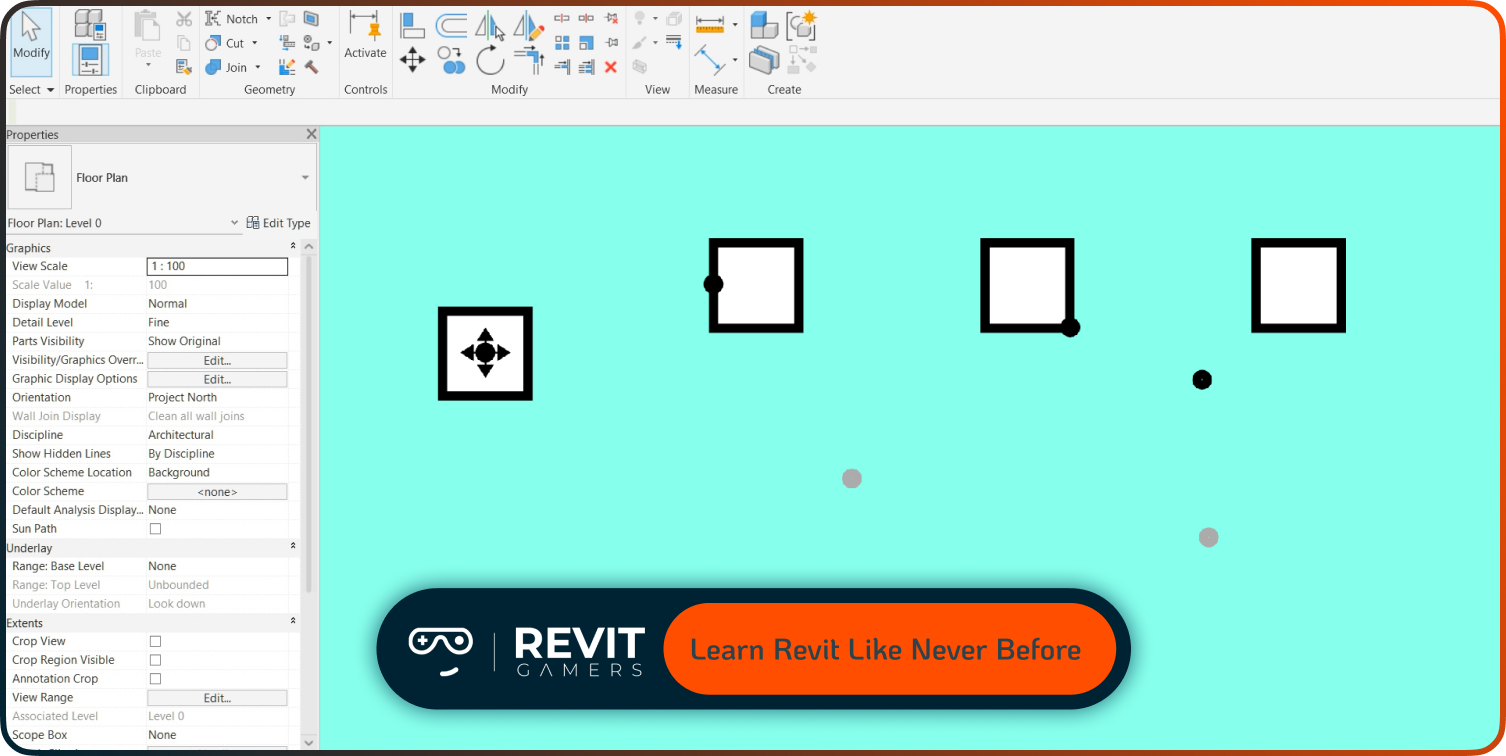
Collaboration is a decisive factor in 2025. Revit’s worksharing and BIM 360 tools allow multiple users to work on the same model simultaneously, track changes in real time, and maintain version control. This ensures efficient teamwork across disciplines and project phases. AutoCAD also supports collaboration, particularly with cloud storage and specialized toolsets, but it relies more on drawing overlays and linked files rather than integrated model management.
For multi-disciplinary projects, Revit offers significant advantages because any update made by a team member is automatically reflected throughout the model, reducing conflicts and errors. AutoCAD’s flexibility allows teams to maintain separate layers and files for specialized tasks but requires more manual coordination. Understanding collaboration strengths is crucial when choosing between Revit vs AutoCAD 2025, particularly if your goal is seamless coordination in large-scale architectural or engineering projects.
Specialized Features and Tools
Revit offers specialized tools like parametric families, advanced scheduling, clash detection, and generative design capabilities, which streamline complex building workflows. AutoCAD, meanwhile, provides a versatile set of toolsets including 2D drafting, mechanical design, MEP modules, and industry-specific plug-ins. In 2025, Revit introduced improved automation features for repetitive tasks and enhanced analytical tools for performance simulations. AutoCAD 2025 focuses on boosting drafting precision, advanced annotation features, and faster 3D modeling workflows.
The choice between Revit vs AutoCAD 2025 often comes down to project needs: Revit excels in fully integrated BIM projects, while AutoCAD is unmatched for precision drafting, custom layouts, and flexibility in different engineering disciplines. Professionals may benefit from mastering both, but focusing on specialized features aligned with your career goals will maximize efficiency and employability.
Learn more: How to Fix Revit File Corruption: Step-by-Step
Performance and System Requirements
Performance is a crucial factor when handling large files. Revit requires robust hardware for smooth operation, particularly when working with extensive models with multiple linked files. Optimizing families, worksets, and view templates is essential to avoid lag and crashes. AutoCAD is lighter on system resources, making it suitable for users with standard setups or when drafting smaller-scale projects.
In 2025, Revit improved multi-threaded performance and faster regeneration times for complex projects. AutoCAD enhanced GPU acceleration for 3D navigation and introduced faster plotting and file opening. Choosing the right software also involves evaluating your system’s capabilities: large-scale BIM projects benefit from Revit’s performance improvements, while AutoCAD remains efficient for smaller drafting tasks. Understanding these requirements helps learners match software to hardware resources, ensuring smooth project execution.
Career and Industry Relevance
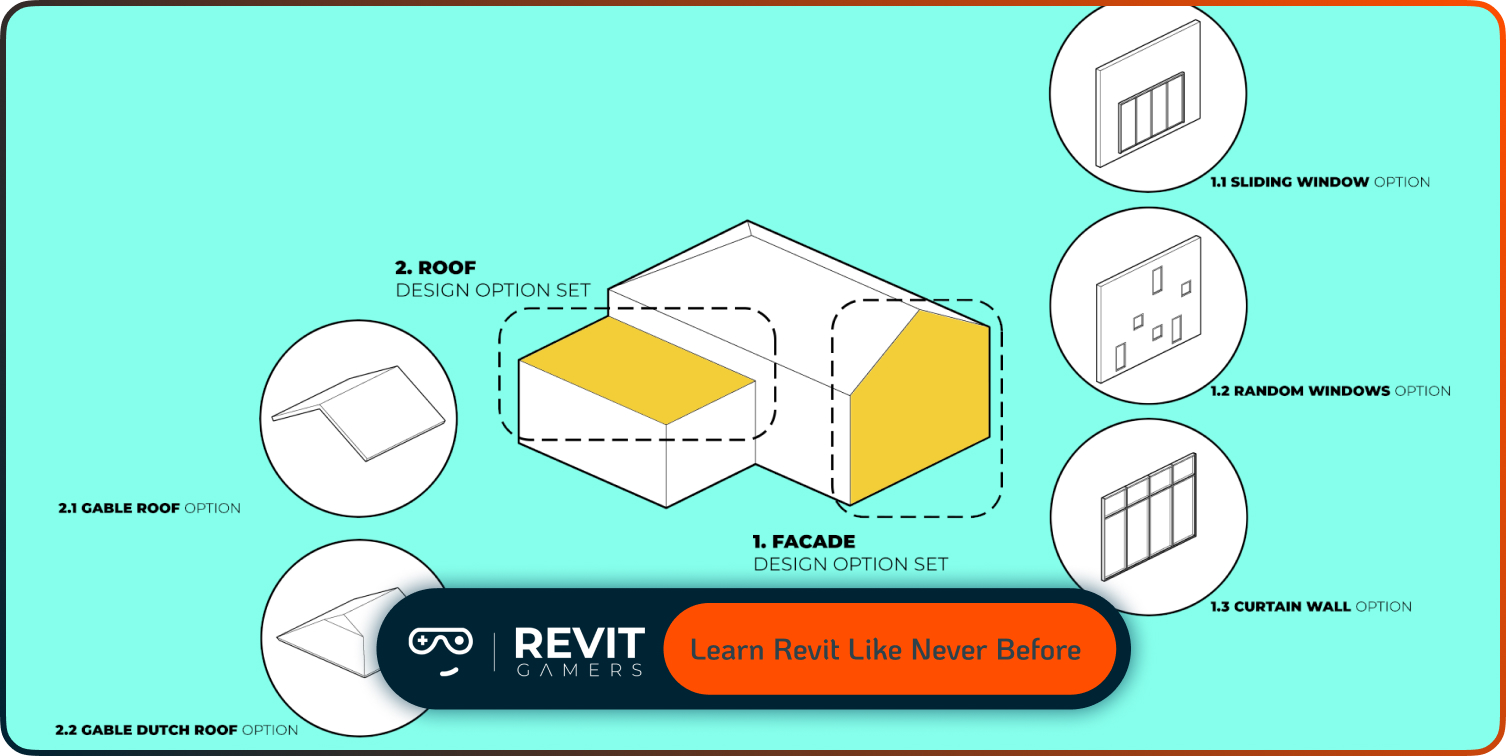
Industry trends in 2025 show increasing demand for BIM expertise, making Revit a valuable skill for architects, engineers, and construction professionals. Job postings increasingly list Revit proficiency as essential for collaboration on large-scale projects. AutoCAD continues to hold relevance in drafting-heavy disciplines, mechanical design, and civil engineering where traditional 2D CAD is still prevalent.
Learning Revit vs AutoCAD 2025 depends on career objectives: if your goal is integration into large BIM projects, Revit is the priority. For precise drafting or smaller-scale projects, AutoCAD remains indispensable. Many professionals combine skills in both platforms to maximize opportunities. Understanding market trends, industry demands, and project types helps learners align software skills with professional aspirations, ensuring that the time invested in learning one platform provides tangible career benefits.
Learn more: Revit Project Examples: Practice Like a Pro
Conclusion: Which Software Should You Learn in 2025?
Choosing between Revit vs AutoCAD 2025 ultimately depends on your career goals, project types, and workflow preferences. Revit excels in BIM-centric projects, offering parametric modeling, integrated collaboration, and automation that speeds up large-scale design tasks. AutoCAD provides unmatched flexibility in 2D drafting, smaller-scale 3D projects, and precision-based design.
Beginners seeking a fast start may find AutoCAD easier to pick up, while intermediate and advanced users aiming for multi-disciplinary collaboration and BIM integration will benefit from Revit’s powerful toolset. Ideally, understanding both platforms equips professionals with a competitive edge in 2025’s AEC industry. By evaluating your needs, projects, and industry trends, you can select the software that enhances your productivity, reduces errors, and maximizes your career growth. Both tools remain relevant, and mastering the right one—or both—ensures long-term success in an increasingly digital design environment.
Leave a Reply
You must be logged in to post a comment.